Attackers are moving faster than ever, weaponizing advanced AI models to exploit security gaps with greater speed and scale. During an active investigation, security teams cannot afford to bounce between disconnected screens. Every second spent breaking your flow to hunt for external context is a second handed back to the adversary.
Previously, investigations were isolated inside a single platform, while the most important details remained scattered across the broader environment. We built GreyMatter Workspaces to change that. Instead of forcing defenders to break their flow, Workspaces bridges the gap between your internal and external context, centralizing your entire investigation into one view.
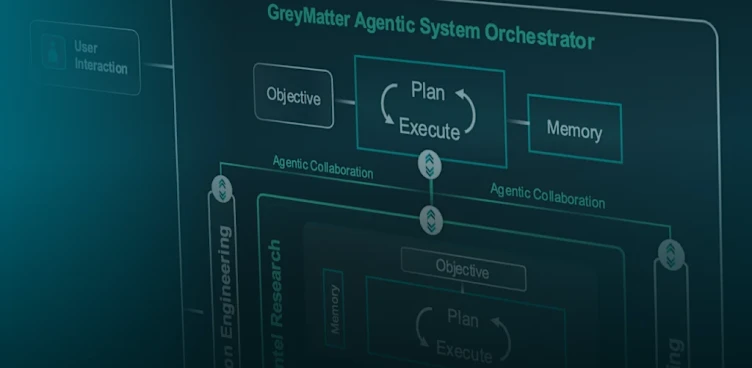
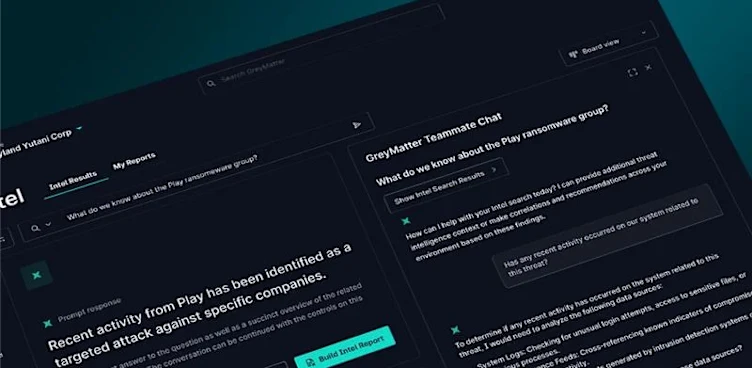
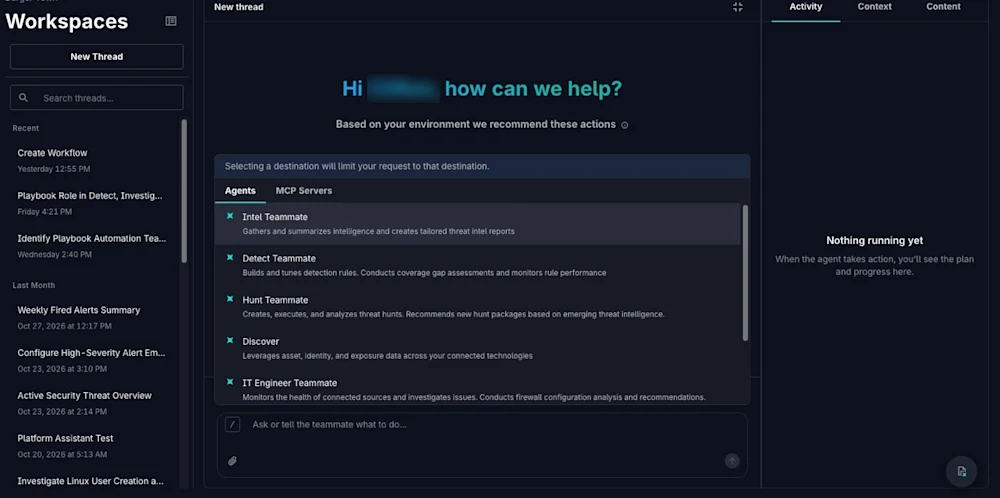
While GreyMatter Chat lives as a side panel, Workspaces expands to fill the entire screen to provide defenders with persistent, context-rich space to run deep investigations with GreyMatter’s Agentic Teammates. Bring conversations, activity history, specialized agents, and generated content into a single organized interface.
Here are four ways you can use Workspaces to transform your security operations:
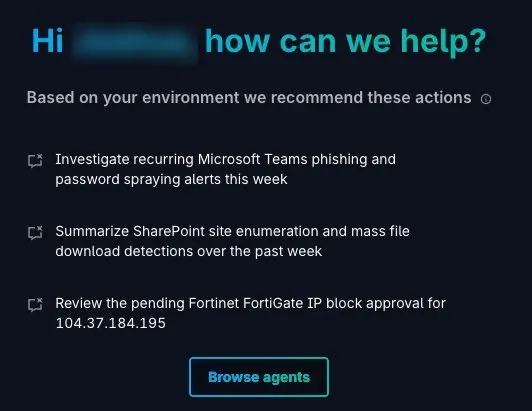
Start Investigations Faster
Investigations usually start with a question, but the path depends on the work. When every task starts in the same chat, the defender has to spend time explaining what kind of work needs to happen before the work actually starts.
With Workspaces, you can go directly to specialized agents, such as Hunt or Workflow Builder, and start with the agent built for the task. The Hunt Teammate can help move from a hypothesis to a search path. Workflow Builder can help turn a process into an executable workflow. The defender does not have to route the work manually or re-explain the goal.
This reduces handoffs, repeated prompts, and back-and-forth before the investigation moves forward.
Keep Everything in One Place
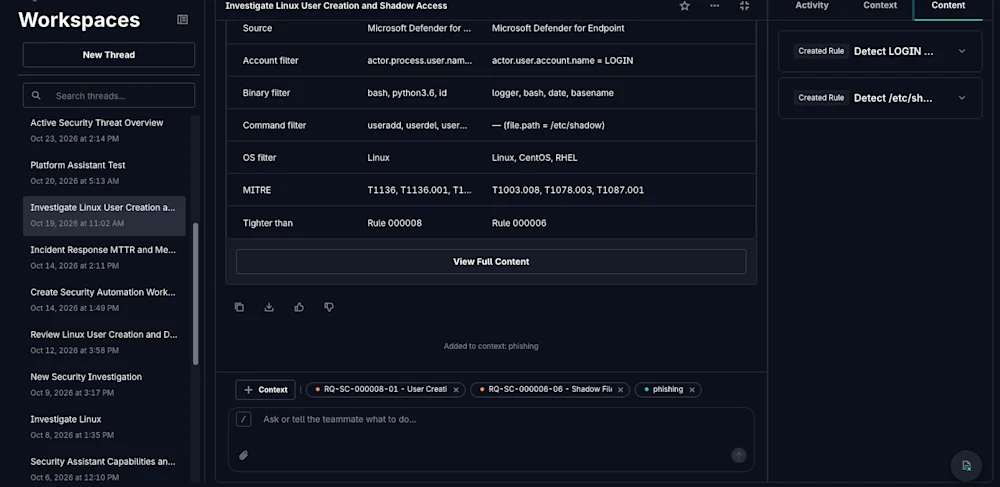
A real investigation leaves a trail of prompts, findings, notes, files, and tool context. But when this data is scattered across a side panel, browser tabs, and disconnected notes, the defender spends more time managing the investigation instead of running it.
Workspaces centralizes your entire investigation into one unified view. Defenders can use this to see what has been asked, what information was added, exactly where the investigation stands. When an investigation requires deeper analysis, Workspaces serves as the working record for your team.
Get More Relevant Results
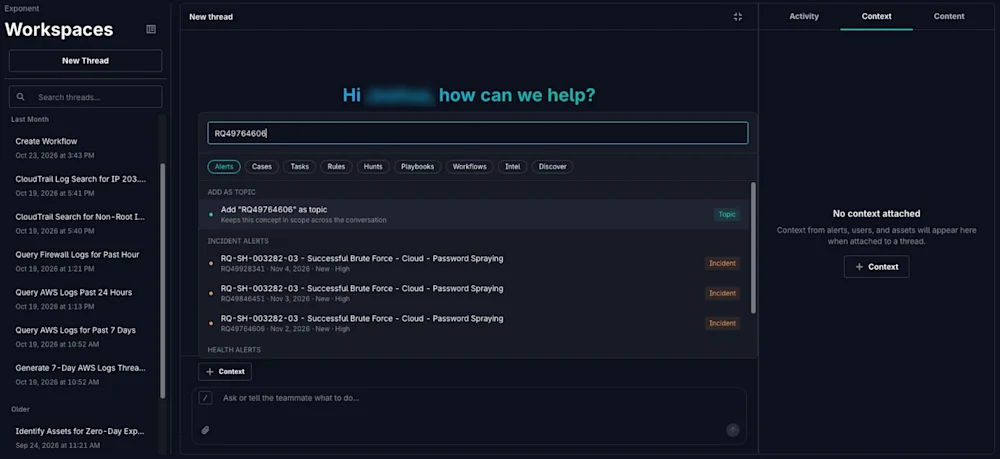
Agentic AI is only as powerful as the context it can access. Generic prompts produce generic answers, but a prompt with rich context, anchored by the right assets and data, unlocks truly actionable intelligence.
Workspaces allows customers to add investigation-specific context and incorporate information from external tools. With MCP server support, defenders can pull in critical information from external systems to help agents deliver more focused responses.
Instead of asking defenders to manually collect missing details, Workspaces holds the data that matters most. The output is AI-driven insights tied to your specific environment, investigation, and immediate task.
Choose the Right Experience for Work
Not every task requires a dedicated workspace. For quick actions, GreyMatter Chat remains available as a convenient side panel to give defenders the context they need to move forward—but complex investigations need more space.
Workspaces fits best for investigations that involve multiple questions, several sources of context, generated content, and specialized agents. With an expanded view, defenders have more flexibility to organize their work without losing the speed of GreyMatter Chat.
Quick questions stay quick. Deeper investigations gain structure. Defenders can move between both without changing how they work.
Keep Your Investigations Where the Work Happens
GreyMatter Workspaces keeps investigations where the work happens.
Defenders start with the right specialized agent, keep conversations and activity history organized, add the context that matters, and bring in information from external tools through MCP server support. From quick chat tasks to expansive workspace investigations, Workspaces bridges the gap between agentic security and day-to-day operations.