
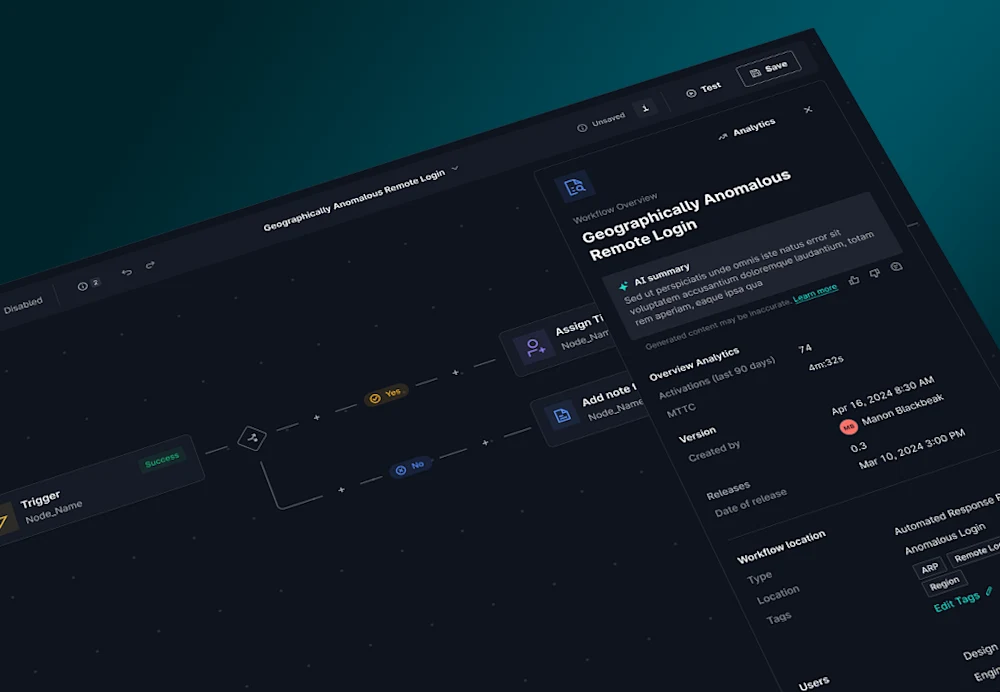
Today’s security teams are fighting an uphill battle—threat actors can penetrate environments in less than 30 minutes, while manual processes and clunky automation tools slow response and drain resources. Security teams need more than just speed. They need automation that's easy to use, can eliminate repetitive tasks, and enable seamless collaboration across their business. The right solution should let security teams focus on defending, not on building or babysitting their tools.
Introducing GreyMatter Workflows: Native Automation and Orchestration Without Complexity
GreyMatter Workflows harnesses the automation capabilities of GreyMatter and puts them into the hands of the user, allowing you to build custom automations for routine use cases and business specific workflows. With GreyMatter Workflows, security teams can:
Orchestrate Automations without Complexity: Build end-to-end automatic workflows a no-code editor built into GreyMatter.
Eliminate Operational Bottlenecks: Streamline collaboration between SecOps teams, IT, and other business units.
Accelerate Response Times: Reduce resolution time and contain threats in minutes by automating incident resolution and remediation steps.
Key Components
GreyMatter Workflows is native to GreyMatter, because we believe automation is a fundamental feature of a security operations platform, not a standalone solution. Get started and build custom workflows without complexity and no-code orchestration.
All Your Playbooks and Workflows in One Place
GreyMatter Workflows is built into our GreyMatter Respond capability, offering quick access to review and run respond playbooks, workflows, and associated activity—all in one place.
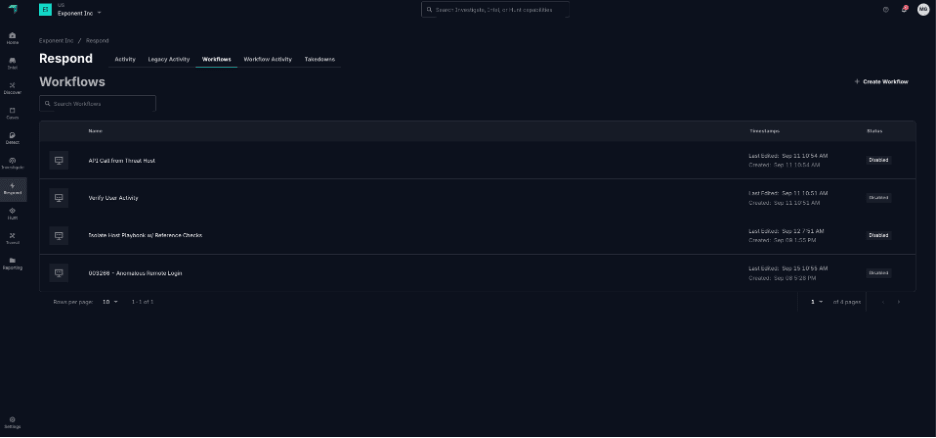
Pre-Built Templates to Get Started Quickly
Kickstart your automation journey with pre-built templates that enable multi-step workflows in seconds.
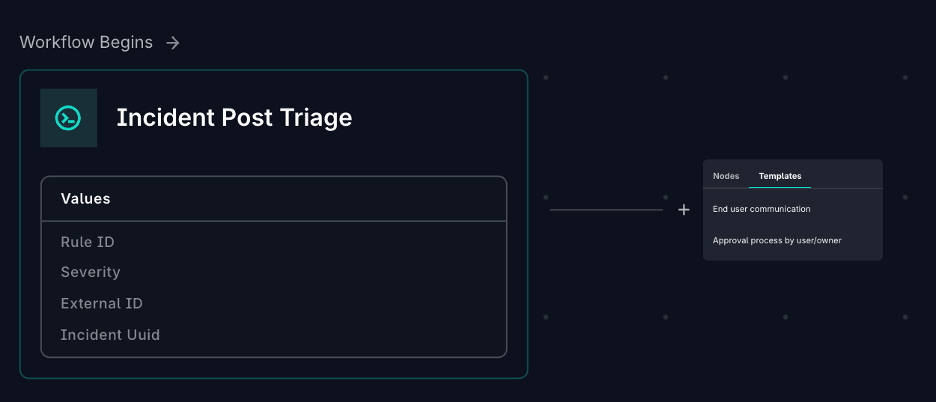
Custom Workflow Builder
Create custom workflow actions with GreyMatter’s no-code builder to simplify complex responses:
Run Respond Playbooks Automatically: Block IPs, isolate hosts, and disable users using GreyMatter’s technology integrations.
Close Incidents with Precision: add closure codes and closure notes automatically.
Request External Approvals: Branch workflows based on user responses.
Send Notifications Seamlessly: Notify external users via email, Microsoft Teams, or Slack.
Automate Assignments: Route incidents to specific users based on alert type or severity.
Check Reference Lists: Validate inputs against GreyMatter reference lists and branch your workflow accordingly.
Use Switch Statements: Build to make more complex workflows by leveraging outputs from previous nodes in the workflow.
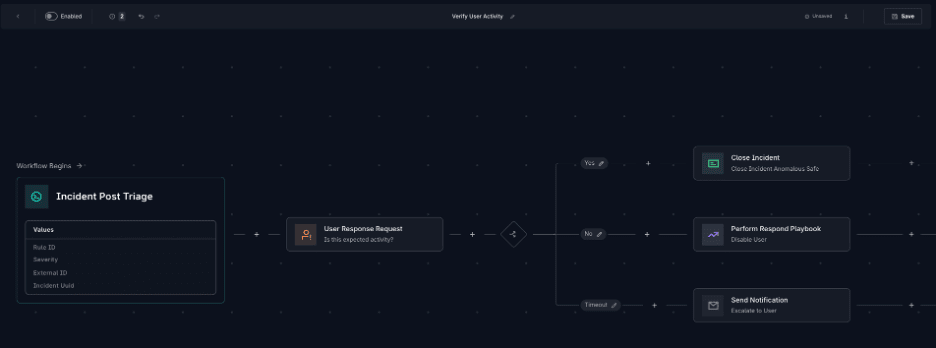
Common Use Cases
GreyMatter Workflows addresses key manual tasks, empowering security teams to speed up response times outpace threats:
Verify User Activity: Reach out to end users, system administrators, and other non-security team members to verify activity. Automate playbooks execution or close the incident based on responses.
Request Approval for Playbook Action: Share alert details with system administrators and request approval to run playbooks (isolate host, block IP address, etc.).
Automatically Validate Reference Lists: Prevent isolating VIPs or blocking a known pen-testing IP address by cross-against reference lists.
What to Know About the Release
GreyMatter Workflows is now available inside the GreyMatter platform, providing automation at your fingertips. Whether you start with a pre-built template or craft a workflow from scratch, you have the flexibility to orchestrate the processes that matter most to your team. With Workflows, you can break down silos, streamline collaboration, and cut response times—enabling your security operations to outsmart adversaries and match the speed of your business.
Ready to see what better automation can do for you? Dive in, experiment, and let GreyMatter Workflows move your security team forward.


